Aisle 11No. 215 of 460
Splashery
Photo Dash
170,000 small parts. Assembled in your browser.
Empty. Now look down.
Swipe across the pack to tear it open.
Press and hold. It pulls itself together.
Let go to drop it.
It stays in its pack here. The Playground has the rest.
Arcade · Built from a recipe
Photo Dash
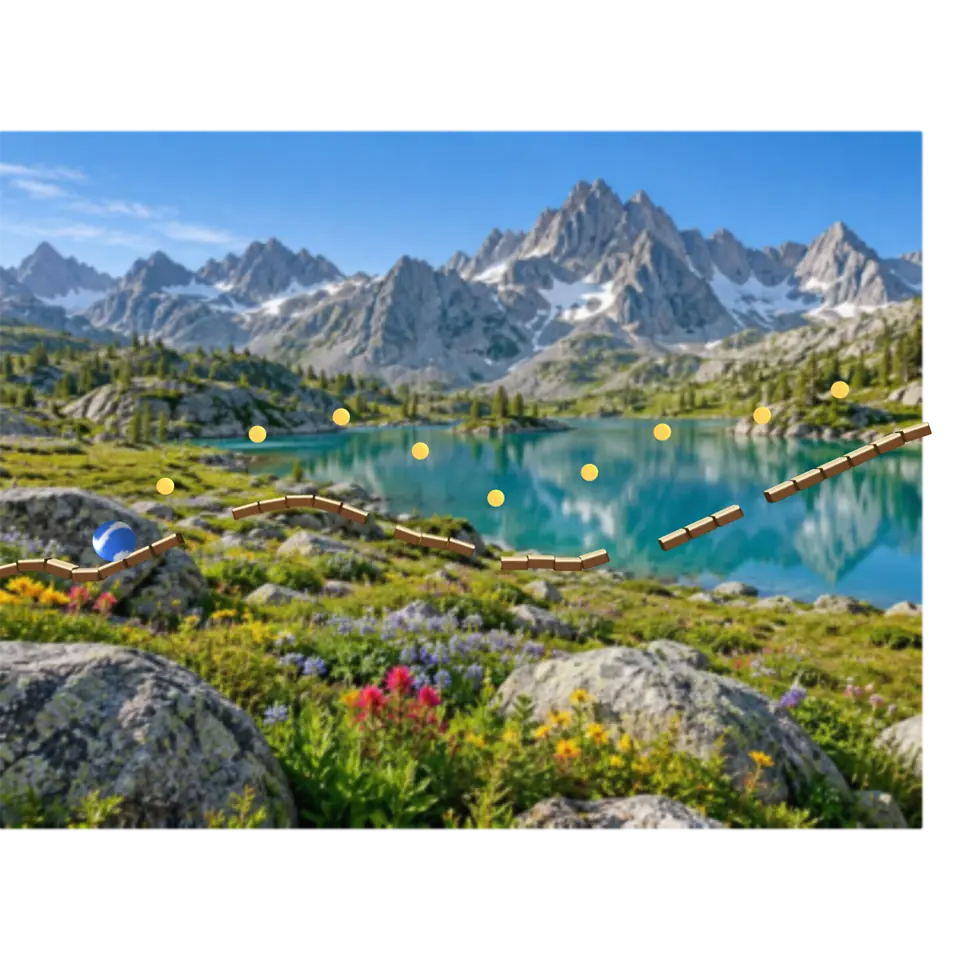
A photo becomes the landscape.
Play with it in the Playground
How to play
Tap or press Space to jump. Pick a ball at the top; open your own photo in the Splash tab to run across it.
Toy facts
- Item
- No. 215 of 460
- Shelf
- Aisle 11, Arcade
- Kind
- Built from a recipe
- Small parts
- 170,000
- Your own
- Your own photo
- Sound
- Yes
- Batteries
- None
- Assembly
- It does that itself
- Licenses
- CC0, Own work, Apache-2.0, MIT, BSD
- Price
- $0.00
Small parts are the splats in its usual build on a computer. A phone may draw fewer.
Its controls
| Control | Kind | Range | Start |
|---|---|---|---|
| Play or pause | Tap | ||
| Play | Button | ||
| View | List | 2 choices | 2D |
| Ball | List | 4 choices | Glass marble |
About it
A photo becomes the landscape. Down each column of the picture, the strongest change from light to dark marks where its sky meets its ground, and that line, smoothed, is the track: a row of wooden planks. Your ball rolls along it by itself, a little faster each level; tap or press Space to jump the gaps, and catch the sparks on the way. Pick the ball: a glass marble, a steel ball, a floaty beach ball or a bouncy tennis ball. Each level brings another of the site's sample photos (real photos, or AI pictures by Ryan Kamp, made with ChatGPT Images 2.5), unless you opened your own. The 3D button raises the photo into a relief, its bright parts nearer and its dark parts deeper, and the marble keeps rolling on it. The photo is read on this device and never leaves it.
Details
- Your own files
- image/png, image/jpeg, image/webp, image/avif
Sources and credits
Libraries
- Apache-2.0
- Basic Pitch, ONNX (lane Audio piano, October 21, 2026)
- MIT
- omggif 1.0.10
- MIT
- ONNX Runtime Web 1.30.0 (its modules)
- MIT, Apache-2.0, BSD
- PDF.js 6.3.289