Aisle 16No. 280 of 460
Splashery
Electronic Keyboard
330,000 small parts. Assembled in your browser.
Empty. Now look down.
Swipe across the pack to tear it open.
Press and hold. It pulls itself together.
Let go to drop it.
It stays in its pack here. The Playground has the rest.
Music · Built from a recipe
Electronic Keyboard
An electronic keyboard makes its sounds with circuits instead of strings.
Play with it in the Playground
How to play
Tap or drag along the keys; a colored button changes the voice. Tap elsewhere for a song.
Toy facts
- Item
- No. 280 of 460
- Shelf
- Aisle 16, Music
- Kind
- Built from a recipe
- Small parts
- 330,000
- Your own
- Voice tuner (labs)
- Sound
- Yes
- Batteries
- None
- Assembly
- It does that itself
- Licenses
- Apache-2.0, MIT, CC BY 4.0
- Price
- $0.00
Small parts are the splats in its usual build on a computer. A phone may draw fewer.
Its controls
| Control | Kind | Range | Start |
|---|---|---|---|
| Play the opening | Tap | ||
| Play the opening | Button | ||
| Play a key | Button | ||
| Voice | Button |
About it
An electronic keyboard makes its sounds with circuits instead of strings. It can sound like a piano, an organ, a synthesizer or vibes, and many can play a drum beat along with you. Learning keyboards light up the key to play next.
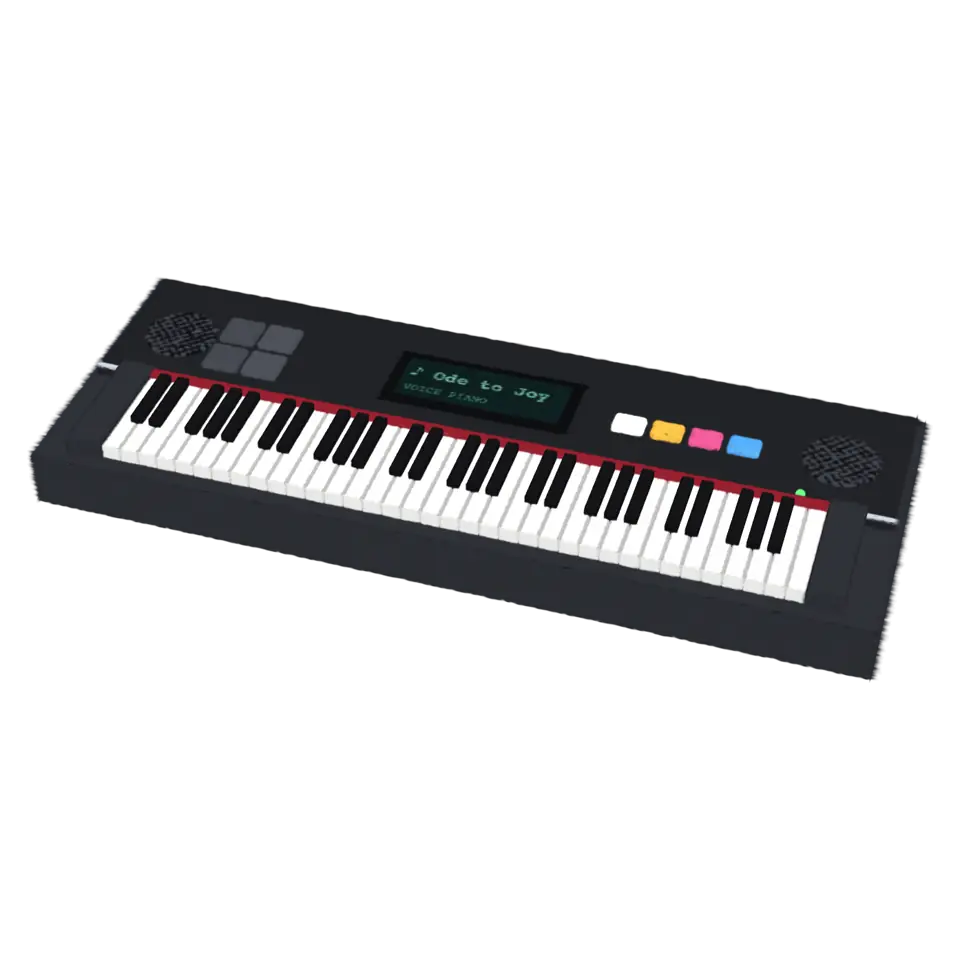
This one has 61 keys. The four colored buttons pick its voice: piano, organ, synth and vibes. Tap anywhere else and a song starts: each key lights up just before its note, the little screen scrolls the title and the drum pads flash with the beat. Pick Ode to Joy, Twinkle, Twinkle, Little Star or Frère Jacques in the Splash tab, or open a MIDI file of your own.
Details
- Splats
- Opens at 200,000 at Mid Detail, 101,996 at Low, and up to 470,000 at Max
Sources and credits
Made in Splashery. Its code is MIT.
Libraries
- Apache-2.0
- Basic Pitch, ONNX (lane Audio piano, October 21, 2026)
- MIT
- ONNX Runtime Web 1.30.0 (its modules)
- CC BY 4.0
- Piano transcription note model, ONNX (lane Audio piano, October 21, 2026)