Aisle 16No. 277 of 460
Splashery
Grand Piano
379,957 small parts. Assembled in your browser.
Empty. Now look down.
Swipe across the pack to tear it open.
Press and hold. It pulls itself together.
Let go to drop it.
It stays in its pack here. The Playground has the rest.
Music · Built from a recipe
Grand Piano
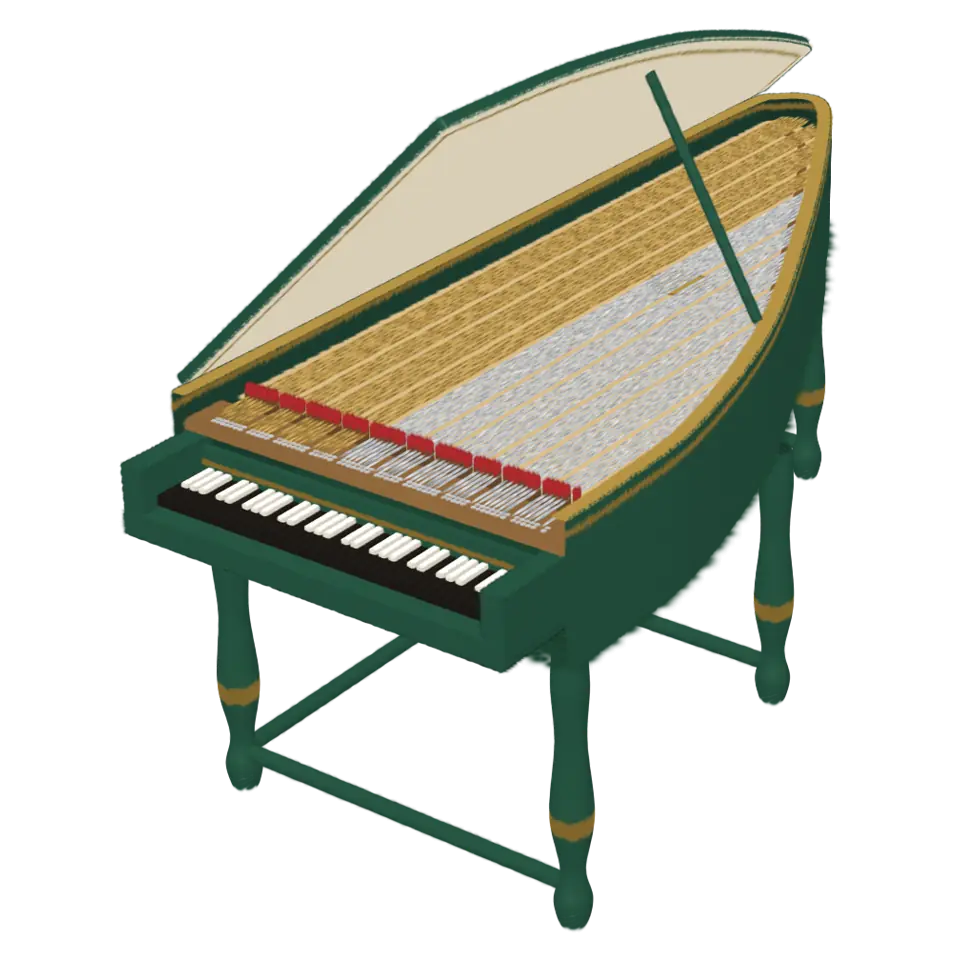
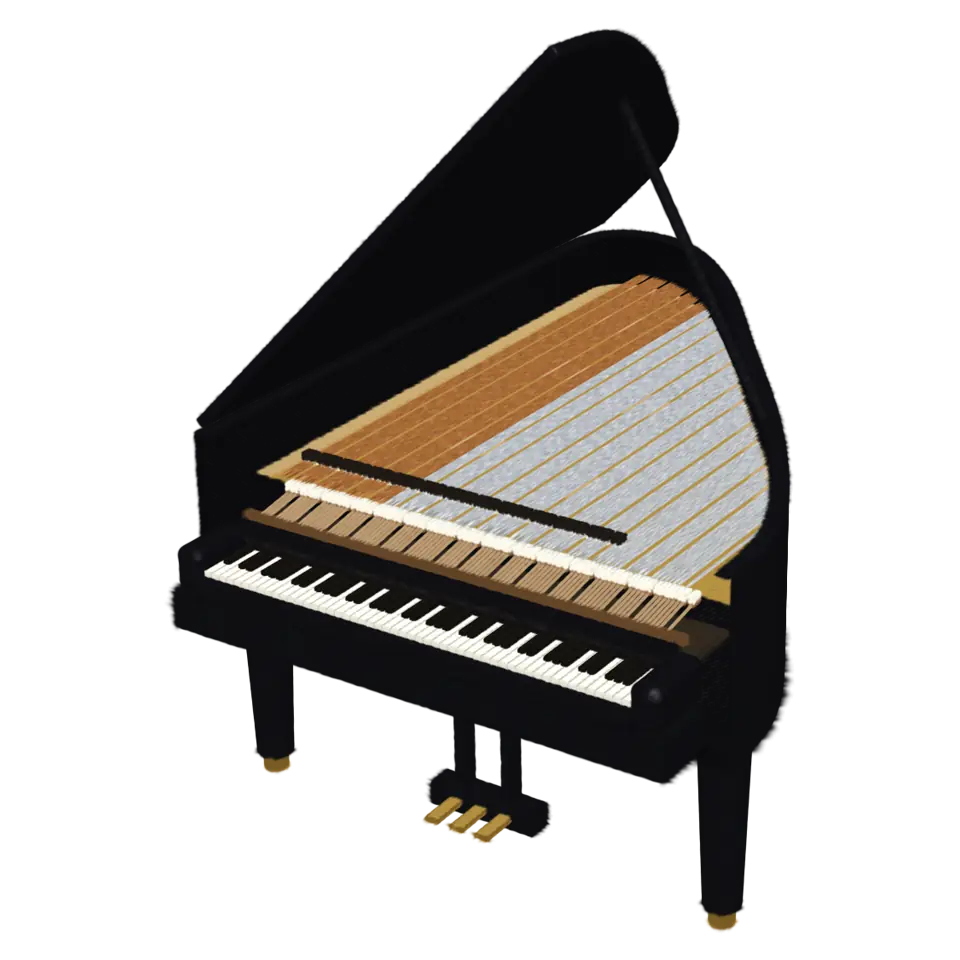
A grand piano is a keyboard instrument whose strings lie flat under a lid shaped like a wing.
Play with it in the Playground
How to play
Tap or drag along the keys to play them. Tap elsewhere for a song; the song bar plays it all.
Toy facts
- Item
- No. 277 of 460
- Shelf
- Aisle 16, Music
- Kind
- Built from a recipe
- Small parts
- 379,957
- Your own
- Voice tuner (labs)
- Sound
- Yes
- Batteries
- None
- Assembly
- It does that itself
- Licenses
- Apache-2.0, MIT, CC BY 4.0
- Price
- $0.00
Small parts are the splats in its usual build on a computer. A phone may draw fewer.
Its controls
| Control | Kind | Range | Start |
|---|---|---|---|
| Play the opening | Tap | ||
| Play the opening | Button | ||
| Play a key | Button |
About it
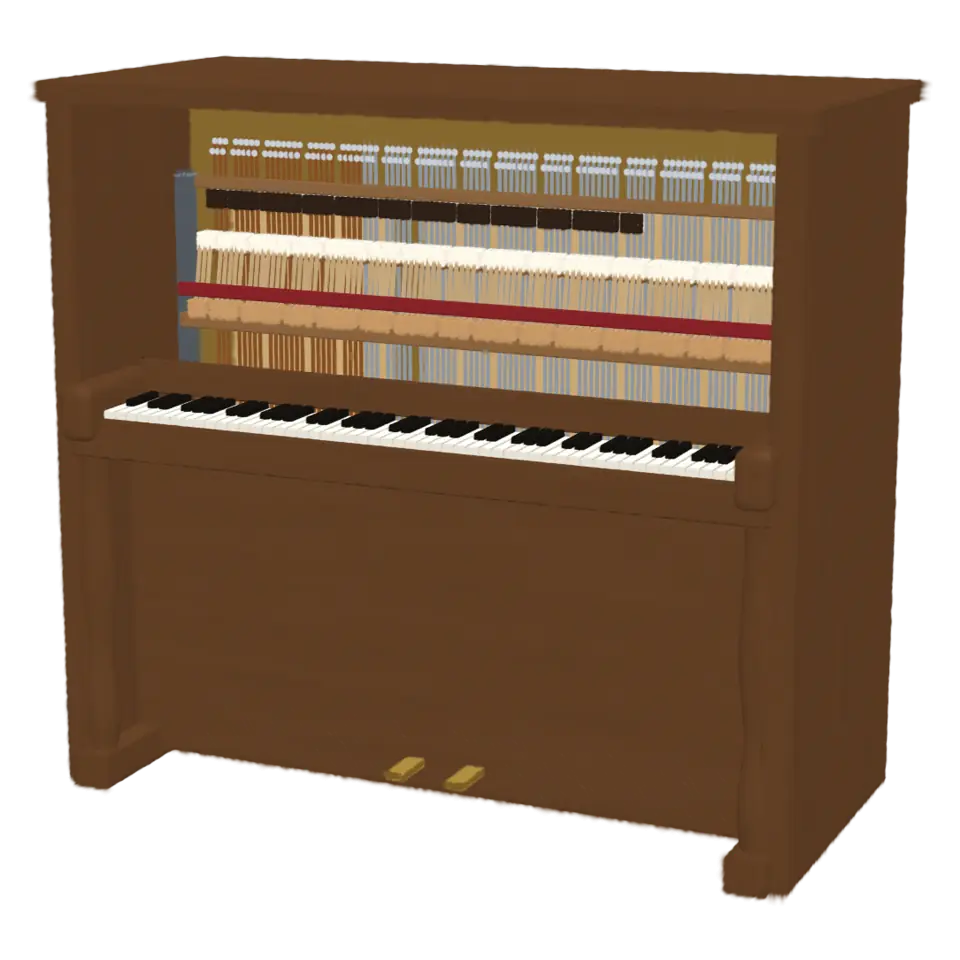
A grand piano is a keyboard instrument whose strings lie flat under a lid shaped like a wing. Each of its 88 keys throws a felt hammer up against its strings, and most notes have dampers that lift to let them ring until the key comes up. The right pedal lifts every damper at once. Bartolomeo Cristofori built the first pianos in Italy around 1700.
Tap a key and it dips, its hammer strikes and its damper lifts. Tap anywhere else for the opening of Für Elise, or pick Clair de lune, Gymnopédie No. 1 or Ode to Joy in the Splash tab. The song bar plays, pauses, loops and slows a song, and you can open a MIDI file of your own or paste a tune in ABC notation.
Details
- Splats
- Opens at 200,000 at Mid Detail, 119,994 at Low, and up to 550,000 at Max
Sources and credits
Made in Splashery. Its code is MIT.
Libraries
- Apache-2.0
- Basic Pitch, ONNX (lane Audio piano, October 21, 2026)
- MIT
- ONNX Runtime Web 1.30.0 (its modules)
- CC BY 4.0
- Piano transcription note model, ONNX (lane Audio piano, October 21, 2026)