Aisle 1No. 12 of 460
Splashery
QR Mosaic
600,131 small parts. Assembled in your browser.
Empty. Now look down.

Swipe across the pack to tear it open.
Press and hold. It pulls itself together.
Let go to drop it.
It stays in its pack here. The Playground has the rest.
Studio · Built from a recipe
QR Mosaic
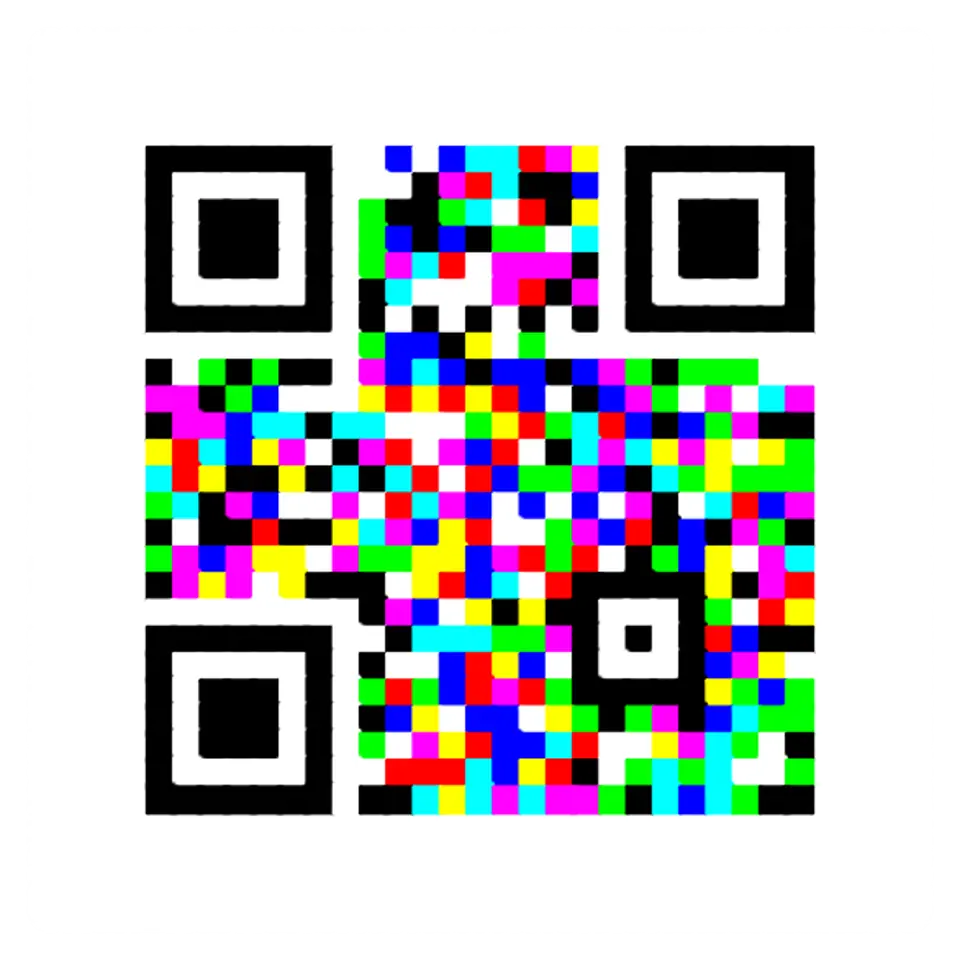
A QR code is only dark and light squares, so it can be built from real things.
Play with it in the Playground
How to play
Pick dominoes, marbles or tiles in the Splash tab, then tap to build the code.
Toy facts
- Item
- No. 12 of 460
- Shelf
- Aisle 1, Studio
- Kind
- Built from a recipe
- Small parts
- 600,131
- Your own
- QR Mosaic
- Sound
- Yes
- Batteries
- None
- Assembly
- It does that itself
- Licenses
- Apache-2.0, MIT
- Price
- $0.00
Small parts are the splats in its usual build on a computer. A phone may draw fewer.
Its controls
| Control | Kind | Range | Start |
|---|---|---|---|
| Build it | Tap | ||
| Build it | Button | ||
| Shape | List | 2 choices | Square |
| Made of | List | 3 choices | Dominoes |
| Error correction | List | 4 choices | M: 15% |
About it
A QR code is only dark and light squares, so it can be built from real things. Here dominoes stand on end, and a push sends every row toppling, each domino knocking the next, until they lie flat as the code: ebony over dark modules, ivory over light ones. Or marbles roll in along their rows and settle into the dark modules, or two-sided tiles flip over in a wave.
Every piece is solid and moves as the real thing would. Each build ends on a code that scans, and the splash reads its own last frame to check. Type your own text in the Splash tab.
Details
- Splats
- Opens at 200,000 at Mid Detail, 108,506 at Low, and up to 894,559 at Max
Sources and credits
Made in Splashery. Its code is MIT.
Libraries
- MIT
- gifenc 1.0.3
- Apache-2.0
- jsQR 1.4.0 (lane LSTUDIO)
- MIT
- QR Code generator library (Project Nayuki)
- MIT, Apache-2.0
- zxing-wasm 3.1.4, with zxing-cpp (copied from Splashery)
- MIT, Apache-2.0
- ZXing for JavaScript 0.21.3 (lane LSTUDIO)