Aisle 1No. 10 of 460
Splashery
Triple QR
557,391 small parts. Assembled in your browser.
Empty. Now look down.
Swipe across the pack to tear it open.
Press and hold. It pulls itself together.
Let go to drop it.
It stays in its pack here. The Playground has the rest.
Studio · Built from a recipe
Triple QR
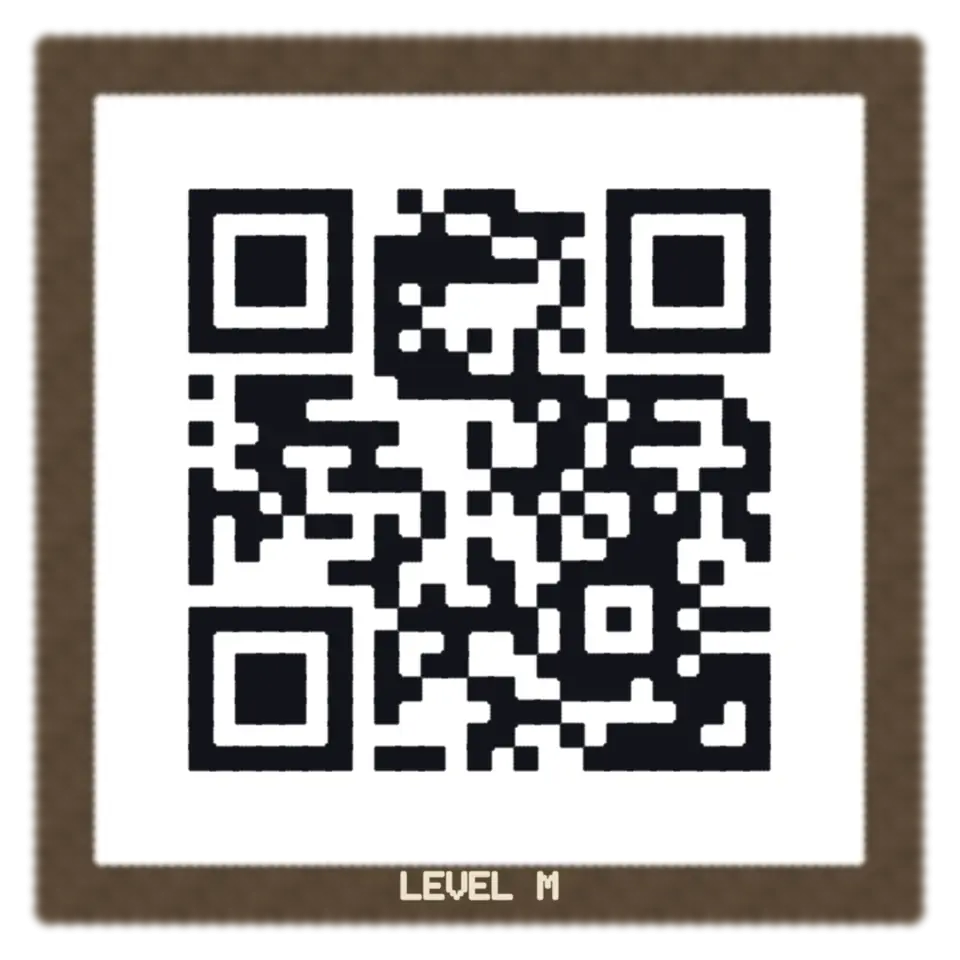
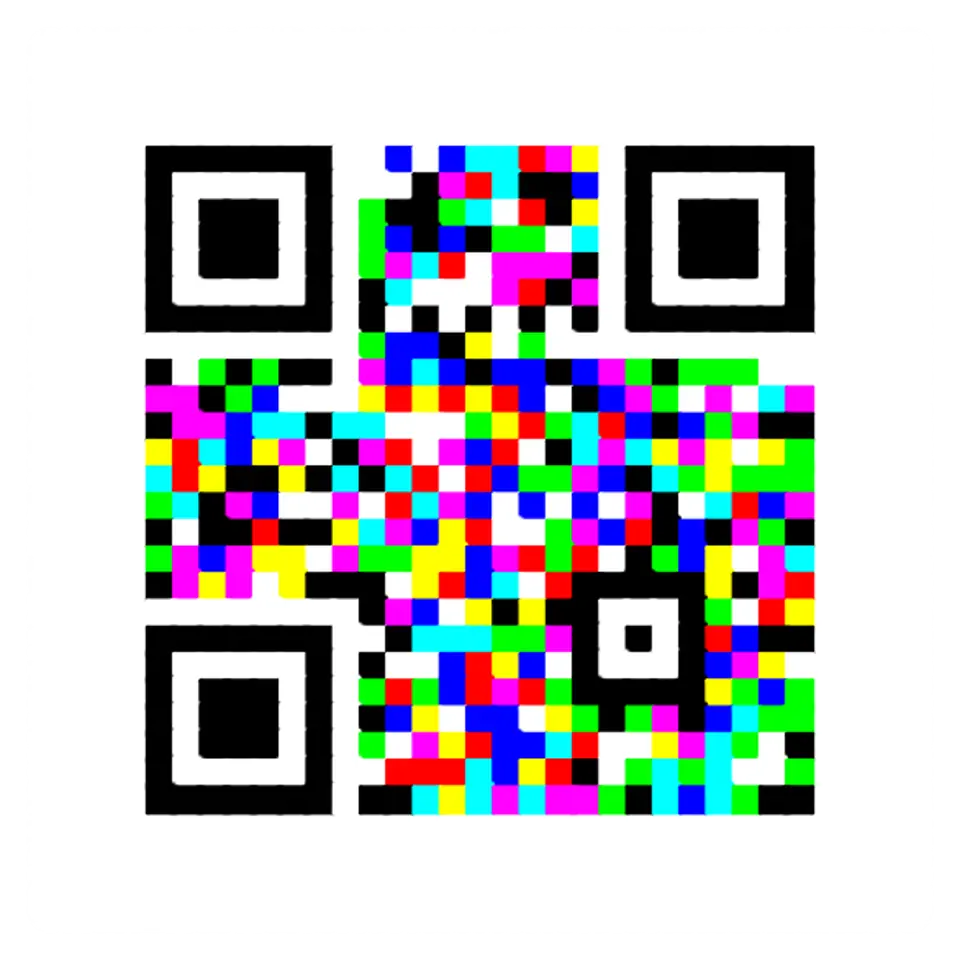
One square holds three QR codes here: the first sets each module's red, the second its green and the third its blue.
Play with it in the Playground
How to play
Tap to pull the three codes apart. Read all three, or pick their colors, in the Splash tab.
Toy facts
- Item
- No. 10 of 460
- Shelf
- Aisle 1, Studio
- Kind
- Built from a recipe
- Small parts
- 557,391
- Your own
- Three codes in one
- Sound
- Yes
- Batteries
- None
- Assembly
- It does that itself
- Licenses
- Apache-2.0, MIT
- Price
- $0.00
Small parts are the splats in its usual build on a computer. A phone may draw fewer.
Its controls
| Control | Kind | Range | Start |
|---|---|---|---|
| Pull the three apart | Tap | ||
| Pull apart | Button | ||
| Error correction | List | 4 choices | Level M |
| Red code's color | Color | #db1a1f | |
| Green code's color | Color | #1a9e33 | |
| Blue code's color | Color | #1f40d9 |
About it
One square holds three QR codes here: the first sets each module's red, the second its green and the third its blue. So each module is one of eight colors, from white to black.
Splashery's reader splits the picture into its red, green and blue and reads each one as an ordinary code, for three times the data in the same square. An ordinary phone reader sees only gray, which comes mostly from green, so it usually reads the green code or nothing. Tap the square to pull its three codes apart and back. Type your own three texts in the Splash tab, and pick the color each code shows in when pulled apart.
Details
- Splats
- Opens at 200,000 at Mid Detail, 59,383 at Low, and up to 719,151 at Max
Sources and credits
Made in Splashery. Its code is MIT.
Libraries
- Apache-2.0
- jsQR 1.4.0 (lane LSTUDIO)
- MIT
- QR Code generator library (Project Nayuki)